
Dot
“500 opinions about your code, live on air.”
- 500.NET tips and hot takes
- 1–2 minbetween chats (or tell it to be quiet)
- 4 viewsfront, left, right and back
- 1 feedThe Modern .NET Show – nothing else
What it's like
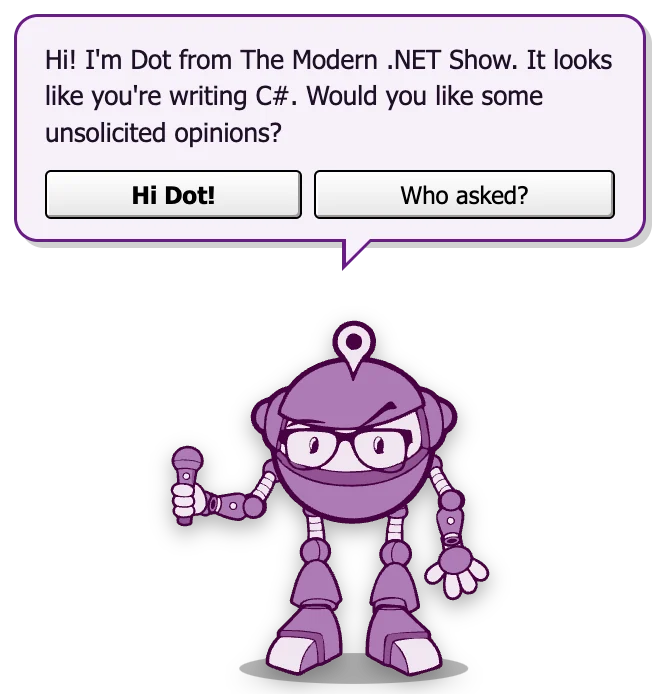
Dot is The Modern .NET Show’s desktop pal: a small purple robot with thick-rimmed glasses and a microphone it is not afraid to use. It strolls along the bottom of your screen, stops for a look around, and every minute or two pipes up with a tip – some useful, some less so, all of them about .NET.
It’s the paperclip you remember, rebuilt for people who know what a ConfigureAwait(false) is – and when a new episode of the show comes out, Dot will be the first to tell you.
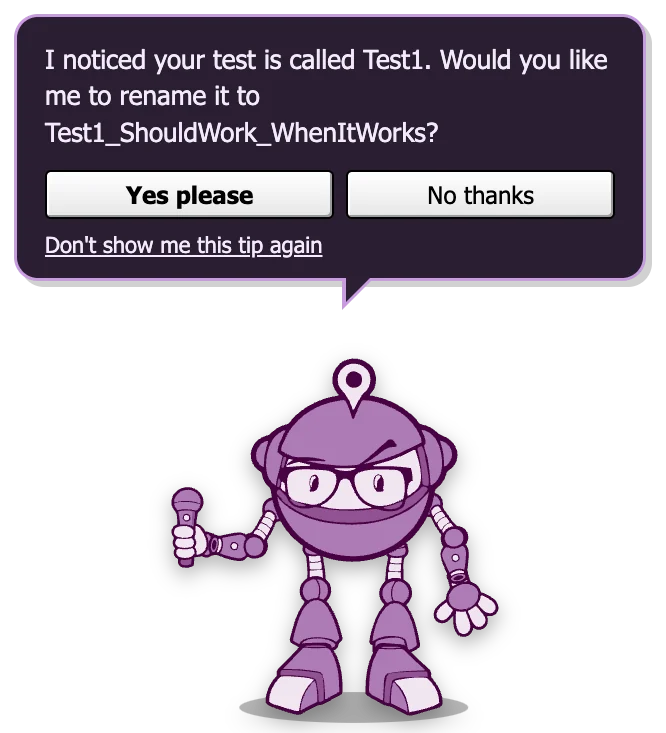
Light and dark mode follow your computer, or pick one from the Appearance menu. The speech bubble changes colour to match.
Things Dot says
A few of the real lines, word for word. Dot pipes up every minute or two; every tip gets an airing before any repeats.
Hi! I’m Dot from The Modern .NET Show. It looks like you’re writing C#. Would you like some unsolicited opinions?
I noticed your test is called Test1. Would you like me to rename it to Test1_ShouldWork_WhenItWorks?
It looks like you’ve injected a scoped DbContext into a singleton. Would you like me to name it ‘Captive’ and bring it snacks?
The # in C# is a musical sharp, not a hashtag. Please stop trending it.
Fun fact: conditional breakpoints exist. Would you like me to set one on i == 9999 so you can stop pressing F5?
Done! I’ve set ShowTip = false. It’s in a config file that gets overwritten on every deploy.
🎙️ NEW EPISODE! “…” just dropped. Would you like me to open it? I’ve already listened to it twice.
Deep cut from the back catalogue: “…”. Would you like me to put it on?
Moves & moods
Drawn by the real pal – these are straight out of the app. Here's what each one is and when it happens.
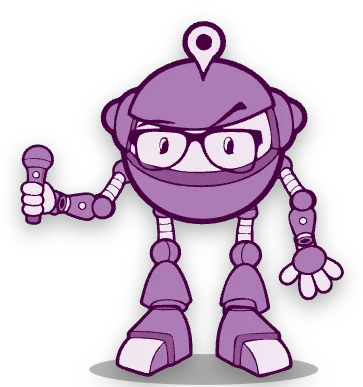
Standing about
Breathing gently, glancing left and right now and then. Dot's eyes follow your mouse pointer.
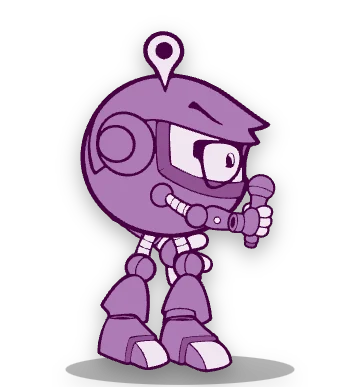
Walking
Wanders the screen – mostly along the bottom, sometimes off exploring – then stands for a few seconds.
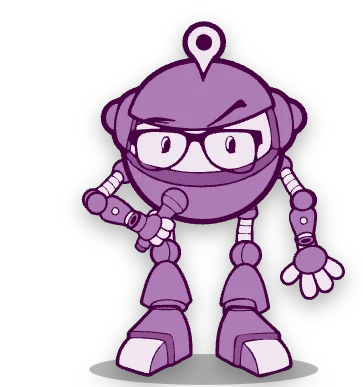
Talking
Mic up and chatting while the words type out in the bubble.

Hello!
A happy hop when it starts, and when you change your mind about closing it.

Poked
Click Dot and it jumps – then says something.

Sad
When you try to close it. There may be a tear.
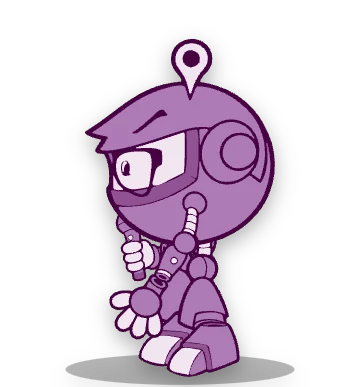
Side view
Turns to face the way it's walking.
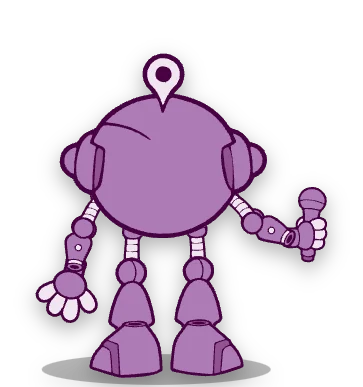
From behind
Heading up the screen, off to explore.
Dot doesn't make any sounds – it only talks in its speech bubble.
Poke it, drag it, try to close it
Poke it
Click Dot and it hops and tells you something. Keep clicking and it complains.
Ow! Stop poking me! That’s a stack overflow waiting to happen!
Rate limiter engaged! 429 Too Many Pokes!
Pick it up and drop it
Drag Dot anywhere on the screen. It bounces when it lands, and sometimes has something to say about it.
Whoa! You moved me without a migration!
Wheee! That was faster than a cold start on Azure Functions.
Tell it to be quiet
“Quiet for 30 minutes” from its menu, and Dot keeps its thoughts to itself for half an hour.
OK, going quiet for 30 minutes. Like a Task.Delay I actually respect.
Try to close it
⌘Q, Alt+F4, the × on Dot, the menu – they all bring up the plea. Dot slides in from the edge of the screen, looks sad and asks if you're sure. You can still close it: “Yes, close Dot” does exactly that.
Nooo, don’t end the episode! Are you sure? I’m sorry I went on about async void. Again. It’s important to me.
That’s a wrap. Don’t forget to delete bin and obj on your way out. 👋
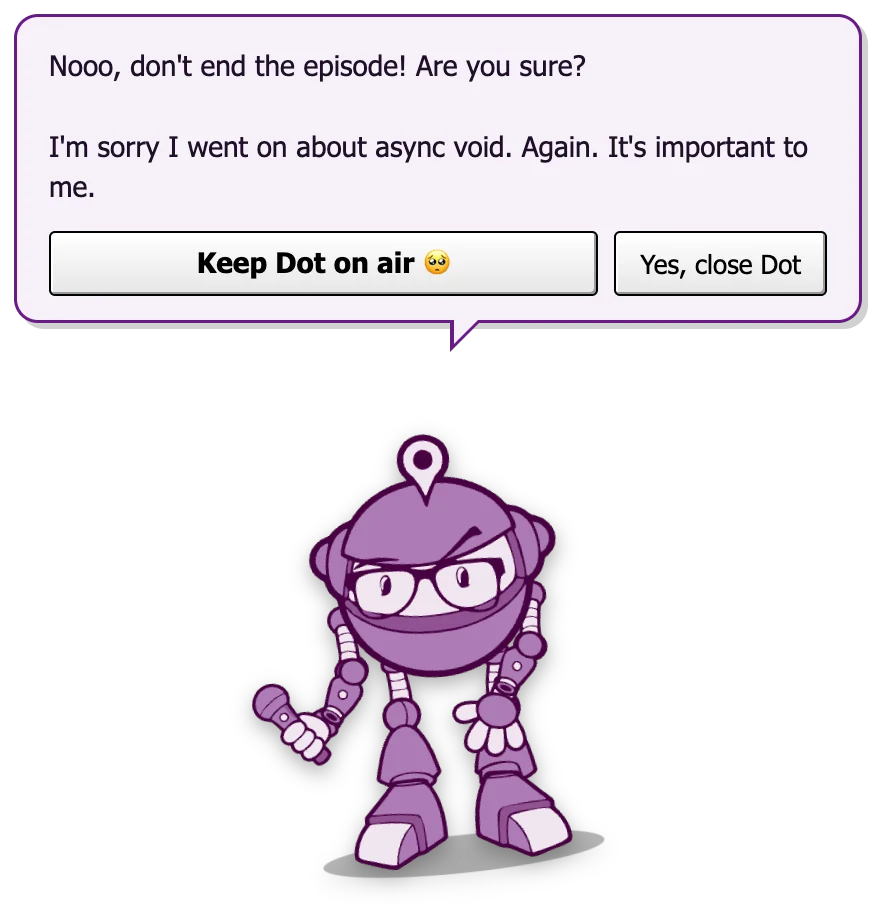
The “are you sure?” plea
It's the most 2003 thing about the pals, and our favourite. Quit from the menu bar or tray, press ⌘Q or AltF4, click the × that appears when you hover over it – whatever you do, Dot slides in from the side of the screen and asks you to reconsider.
It's a joke, not a trap. The close button is right there, and it works first time. Pressing Esc or the keep button means “fine, stay”. And if your computer is shutting down or logging out, there's no plea at all – it gets out of the way.
What Dot connects to
One thing: The Modern .NET Show's public episode list
- Addresses
- https://dotnetcore.show/llms.txt – the show's public summary page, which says where its podcast feed is
- https://thedotnetcorepodcast.libsyn.com/rss – the podcast feed it points to (the show's public RSS feed)
- When
- About 15 seconds after Dot starts, then once an hour.
- Sends
- A normal web request for those public files, like any podcast app. No account, no ID, nothing about you or your computer. Its only label says “PalStudio/1.0 (+feed reader)”.
- Why
- So Dot can tell you when a new episode is out (the very first time, only the latest episode, and only if it is under three weeks old; after that, anything it has not seen before), and now and then suggest an older one.
- Turn it off
- Untick “Check for new episodes & posts” in Dot's menu and it stops. Offline? It stays quiet and tries again later.
- Links
- Dot only opens a web page when you click “Yes please” on an episode – and only links that came from that feed – in your normal browser.
That's the whole list. No analytics, no telemetry, no update checks, no ads. More on the Safe & honest page.
Download Dot
Pick the file for your computer. No account, no email address, nothing to sign up for.
Pal pack for PalPlayer
One small file that works on Mac, Windows and Linux. Install PalPlayer once, then double-click the pack to add Dot – every pal you add after that is a quick download too.
Or the standalone app
Dot on its own – no PalPlayer needed. A bigger download, because each standalone pal brings its own copy of everything it needs to run.
macOS
Signed & notarised by WhiteFish Creative LimitedOpen the .dmg and drag Dot into Applications. It opens with no warnings. Not sure which Mac you have? Apple menu → About This Mac: “Chip: Apple M…” means Apple silicon.
Windows
Not code-signed on Windows (yet)Windows 10 or 11 (64-bit). Nothing to install – just run the .exe. SmartScreen may say it “protected your PC”, because the file isn't signed – click More info → Run anyway. Why?
Version 1.0.0 · Free · No account needed · How to uninstall