
Loopy
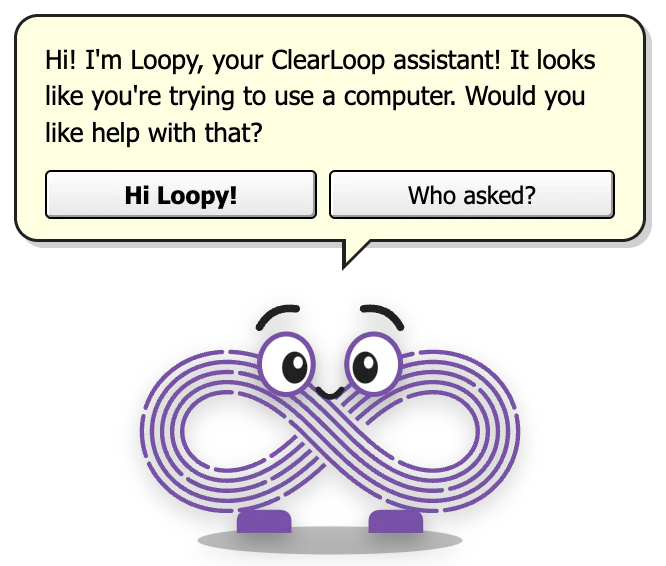
“It looks like you're trying to use a computer. Would you like help with that?”
- 200+security tips and terrible ideas
- 1–2 minbetween chats (or tell it to be quiet)
- 1 loopwith eyes, feet and opinions
- Offlinenever touches the internet
What it's like
Loopy is ClearLoop’s desktop pal: a purple infinity loop with big eyes, little feet and absolutely no sense of when to stop helping. It strolls along the bottom of your screen, stops for a look around, and every minute or two pipes up with a cyber security tip – some useful, most of them about port 8080.
It’s the paperclip you remember, rebuilt by people who have read too many pentest reports. Loopy will offer to fix your vulnerabilities whether you have any or not, log every poke for the audit, and put your decisions in the risk register – in red, with a sad face.
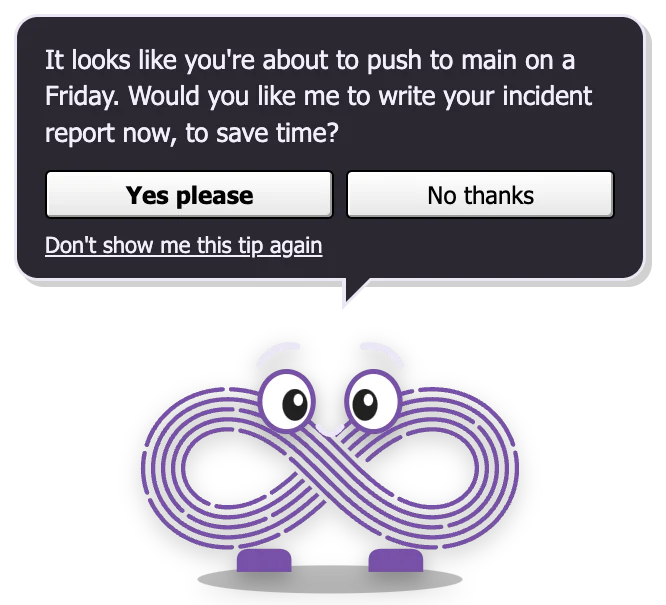
Light and dark mode follow your computer, or pick one from the Appearance menu. The speech bubble changes colour to match.
Made for ClearLoop
Loopy was made for Clear Loop Security, a cyber and information security consultancy that helps businesses prepare for, protect against and recover from attacks. Their view is that security is never finished: people, process and technology form a continuous loop that keeps improving your defences as your business – and the threats it faces – change. Hence the name, and hence Loopy.
They do the real work Loopy only jokes about: penetration testing, ISO 27001 and security management programmes, staff training, cloud security reviews, monitoring and alerting, a virtual security manager, and incident response – from training and breach exercises to helping out during a live attack. Their ClearFix service finds your vulnerabilities, tracks them in one console and patches them for you, so they actually get fixed.
Things Loopy says
A few of the real lines, word for word. Loopy pipes up every minute or two; every tip gets an airing before any repeats.
Hi! I’m Loopy, your ClearLoop assistant! It looks like you’re trying to use a computer. Would you like help with that?
It looks like you’re about to push to main on a Friday. Would you like me to write your incident report now, to save time?
I found a password in a sticky note on your monitor. Would you like me to move it under the keyboard, where it’s safe?
Your backups completed successfully! Would you like me to find out if they restore? No? OK, ignorance is bliss!
I’ve mapped your controls to NIST, ISO, CIS, SOC 2 and my own framework, LOOPY-1. You fail LOOPY-1.
No worries! I’ve noted your decision in the risk register, in red, with a sad face.
Your preference has been recorded and will be ignored in line with our policy.
Moves & moods
Drawn by the real pal – these are straight out of the app. Here's what each one is and when it happens.
Standing about
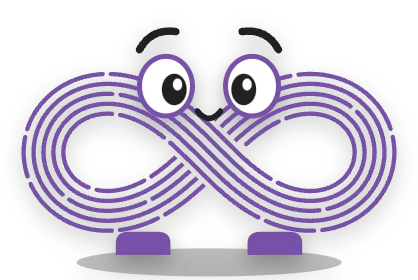
Breathing gently, glancing about now and then. Loopy's eyes follow your mouse pointer.
Walking
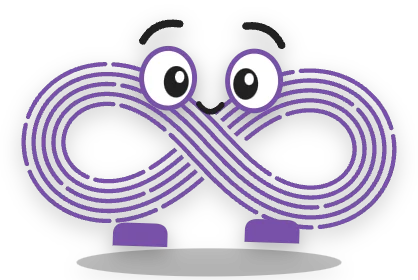
Pads along the bottom of the screen on its little feet, then stops for a look around.
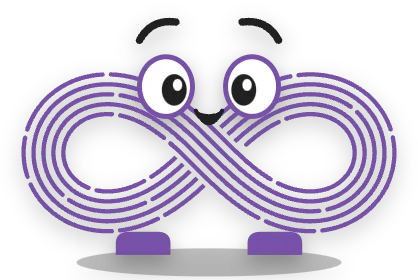
Talking
Chatting away while the words type out in the bubble.

Hello!
A happy hop when it starts, and when you change your mind about closing it.
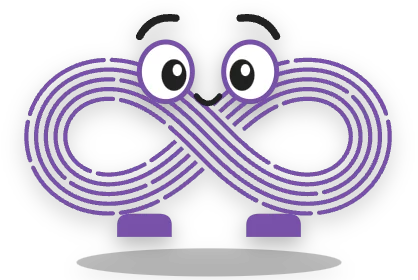
Poked
Click Loopy and it jumps – then says something.

Sad
When you try to close it. There may be a tear.
Loopy doesn't make any sounds – it only talks in its speech bubble.
Poke it, drag it, try to close it
Poke it
Click Loopy and it hops and tells you something. Keep clicking and it complains.
Ow! Stop poking me! That’s a denial-of-service attack!
Too many requests! HTTP 429! Please poke again in 60 seconds.
Pick it up and drop it
Drag Loopy anywhere on the screen. It bounces when it lands, and sometimes has something to say about it.
Oh! I like it here. Lots of unpatched windows to look at.
Careful! I’m load-bearing for your security posture.
Tell it to be quiet
“Quiet for 30 minutes” from its menu, and Loopy keeps its thoughts to itself for half an hour.
Snoozing! Like your vulnerability management process.
Try to close it
⌘Q, Alt+F4, the × on Loopy, the menu – they all bring up the plea. Loopy looks sad and asks if you're sure. You can still close it: “Yes, close Loopy” does exactly that.
Nooo, don’t go! Are you sure? I know I talk about port 8080 a lot. I’m sorry. It’s just… nobody else seems to care about it like I do.
OK… I understand. Goodbye. Please patch port 8080 for me. 👋
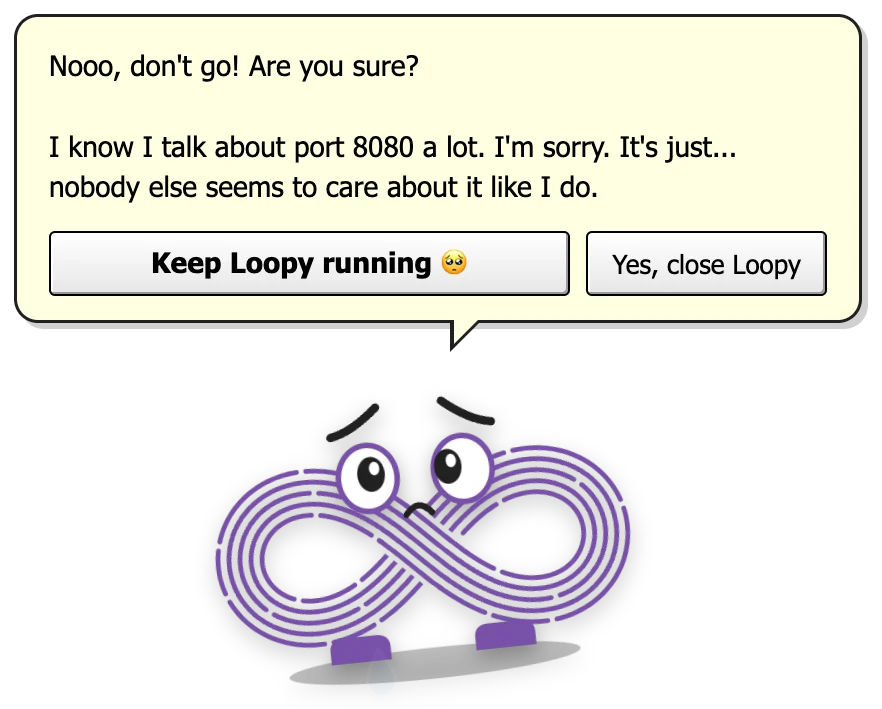
The “are you sure?” plea
It's the most 2003 thing about the pals, and our favourite. Quit from the menu bar or tray, press ⌘Q or AltF4, click the × that appears when you hover over it – whatever you do, Loopy slides in from the side of the screen and asks you to reconsider.
It's a joke, not a trap. The close button is right there, and it works first time. Pressing Esc or the keep button means “fine, stay”. And if your computer is shutting down or logging out, there's no plea at all – it gets out of the way.
What Loopy connects to
Nothing. Ever.
Loopy never connects to the internet. It has no feeds to read and nothing to fetch – every one of its tips is built in, and it works exactly the same with your Wi-Fi off. It doesn't open web pages either; the only links are in its About box, and only if you click them.
Download Loopy
Pick the file for your computer. No account, no email address, nothing to sign up for.
Pal pack for PalPlayer
One small file that works on Mac, Windows and Linux. Install PalPlayer once, then double-click the pack to add Loopy – every pal you add after that is a quick download too.
Or the standalone app
Loopy on its own – no PalPlayer needed. A bigger download, because each standalone pal brings its own copy of everything it needs to run.
macOS
Signed & notarised by WhiteFish Creative LimitedOpen the .dmg and drag Loopy into Applications. It opens with no warnings. Not sure which Mac you have? Apple menu → About This Mac: “Chip: Apple M…” means Apple silicon.
Windows
Not code-signed on Windows (yet)Windows 10 or 11 (64-bit). Nothing to install – just run the .exe. SmartScreen may say it “protected your PC”, because the file isn't signed – click More info → Run anyway. Why?
Version 1.0.0 · Free · No account needed · How to uninstall
Loopy is made for ClearLoop – find out more at clearloopsecurity.com.