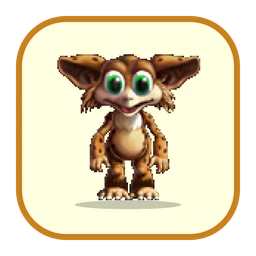
Norns
“Norn wake. Norn look hand. Hand nice?”
- 30Norn breeds to choose from
- Up to 8on your desktop at once
- 21animations, from dancing to snoring
- Offlinenever touches the internet
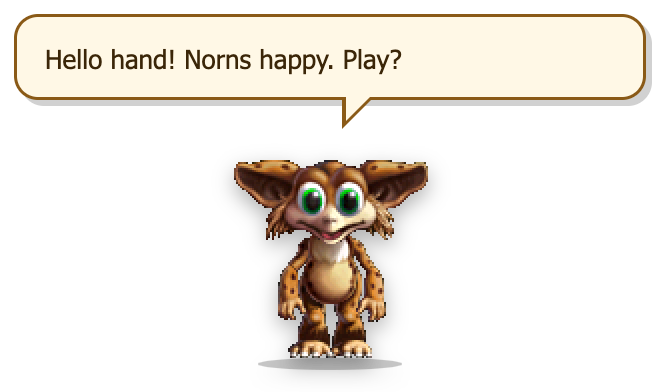
What it's like
Norns are the stars of Creatures 1 and 2: curious, sweet, easily distracted little creatures who learned to talk from whoever was holding the hand. Now they live on your desktop, in the same pixels they had in the game.
They wander about, babble in the game’s own Norn voice, sit down, dance, jive, drum, sneeze, shiver, yawn and – late at night – curl up and snore. Add more and they notice each other, walk over and say hello (with the odd kiss).
Norns speak simple Norn. There are no Yes/No buttons: they say their piece, and the bubble goes away on its own (or when you click it).
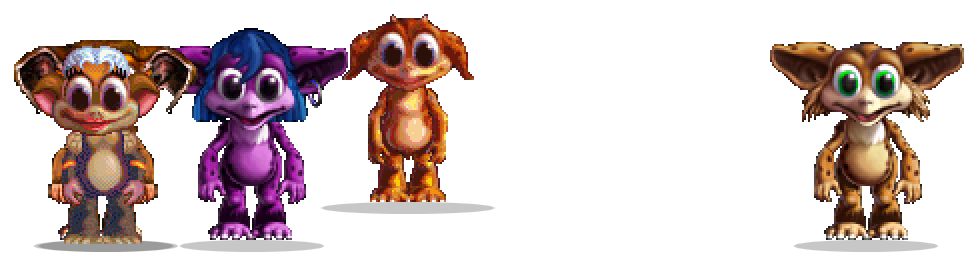
The first time Norns start, they show you every breed side by side so you can pick one – or press Surprise me. Change your mind any time with “Change this one…” (right-click a Norn) or “Add another…”.
Things Norns say
A few lines from the real thing. Norns chat every minute or two; the bubble closes itself once there's been time to read it.
Hello hand! Norns happy. Play?
Norn push ball. Ball roll!
Hand! Look! Norn dance!
Norn want carrot. Hand get carrot?
Norn eat honey. Honey very good!
Norn extremely stressed.
Norn see norn! Yay!
Norn like you. You nice norn.
Moves & moods
Drawn by the real pal – these are straight out of the app. Here's what each one is and when it happens.
Standing about
Looking around, now and then glancing left and right.
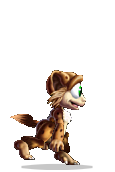
Walking
Pottering about the screen, mostly along the bottom.
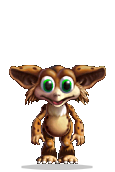
Talking
Babbles in the Creatures 2 Norn voice while the bubble types out.
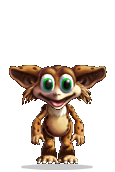
Hello
When it arrives, and when it meets another Norn.
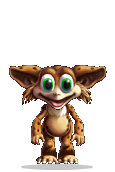
Wave
Now and then while idle.
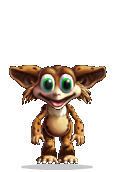
Dance
A favourite while idle.
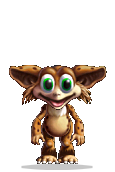
Jive
The other favourite.
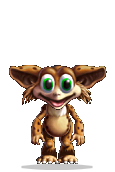
Drum
Taps out a beat.
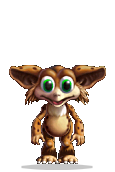
Toe tap
Waiting for something to happen.
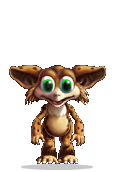
Sit
Sits down for a rest.
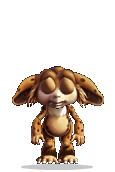
Sleep
Late at night (11pm–6am), and sometimes on a 20-minute timer. Snores.
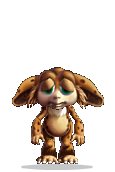
Yawn
Any time, but much more after 9pm.
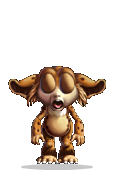
Sneeze
Achoo – with sound.
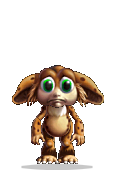
Cough
Now and then.
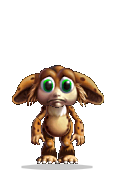
Shiver
Brrr.
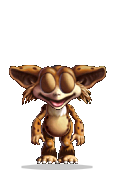
Kiss
Sometimes, when it meets another Norn.
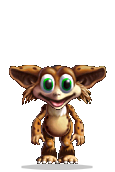
Kick
Kicks at something only it can see.
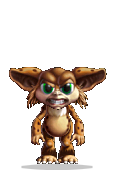
Grumpy
Rarely. Norns are mostly happy.
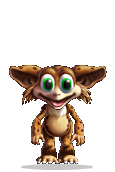
Poked
Giggles when you click it.
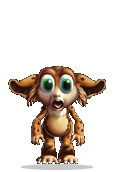
Dropped
“Ow!” when you put it down somewhere new.
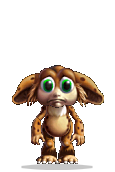
Sad
When you try to send the last one home.
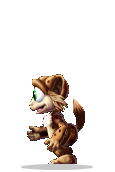
Side view
Faces the way it's going.
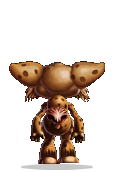
From behind
Off up the screen.
Norns make the game's own noises: they babble in Norn when they talk, giggle when poked, say “ow” when dropped, and sneeze, cough, shiver, yawn, snore and kiss. Mute them with the 🔊 on any Norn (it mutes them all), pick a volume, or set quiet hours (10pm–7am, 9pm–8am, or 6pm–9am for work hours only) from the Sound menu.
Poke it, drag it, try to close it
Poke it
Click a Norn and it giggles and says something. Poke it four times in a row and it's had enough.
Stop! Norn tickle!
Hee hee! No more! No more!
Pick it up and drop it
Drag a Norn anywhere. It says “ow” when it lands, and sometimes comments.
Wheee! Again!
Norn fly! Norn land!
Add another
Up to eight Norns at once, in any mix of breeds. They keep out of each other's way, walk over to say hello, and now and then share a kiss. Only one talks at a time.
Hello norn! Norn friend!
Norn and norn. Two norn!
Send one home
The × on a Norn sends that one home with a wave. Try to close the last one and you get the plea – it slides in from the edge of the screen and asks you to reconsider. “Bye bye, Norns” closes it.
Hand go? Norn go? 🥺 Norn sad. Norn very sad.
Norn sleep now. Bye!
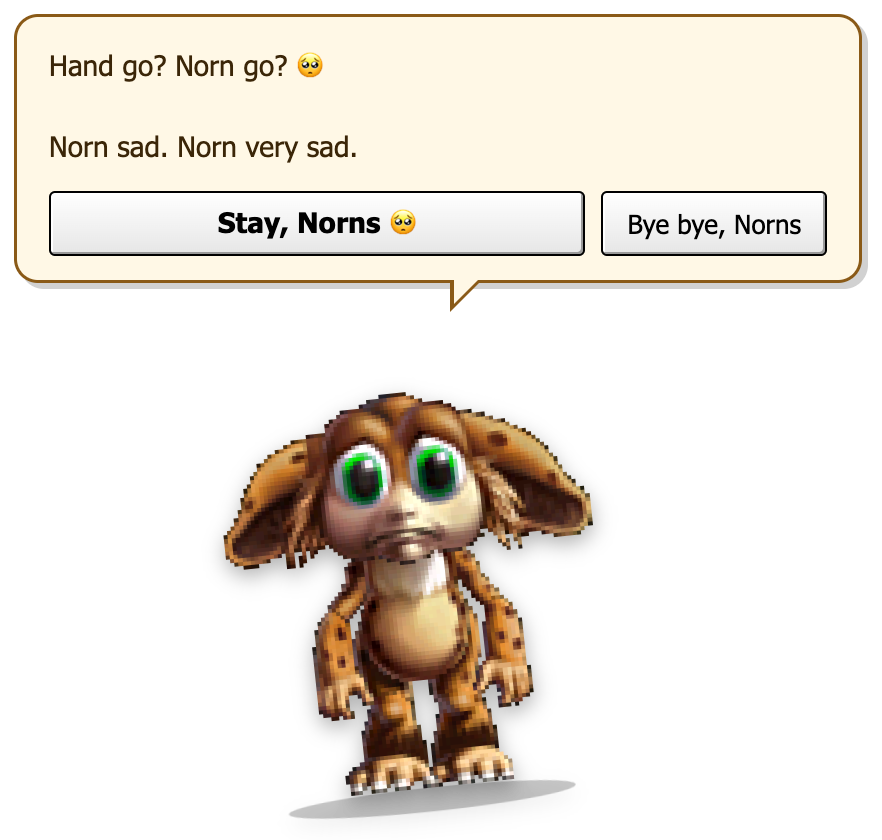
The “are you sure?” plea
It's the most 2003 thing about the pals, and our favourite. Quit from the menu bar or tray, press ⌘Q or AltF4, click the × that appears when you hover over them – whatever you do, Norn slides in from the side of the screen and asks you to reconsider.
It's a joke, not a trap. The close button is right there, and it works first time. Pressing Esc or the keep button means “fine, stay”. And if your computer is shutting down or logging out, there's no plea at all – it gets out of the way.
Every Norn you can have
Every breed from Creatures 1 and Creatures 2, plus five much-loved breeds made by the Creatures community. Each comes as a female and a male.
From Creatures 1 (12)
- Norn breed A (female)
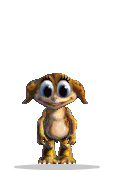
- Norn breed A (male)
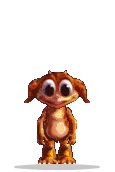
- Norn breed B (female)
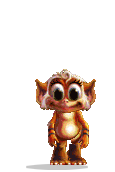
- Norn breed B (male)
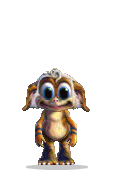
- Norn breed C (female)
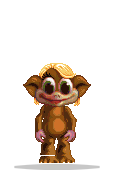
- Norn breed C (male)
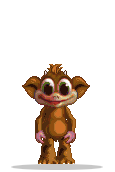
- Norn breed E (female)
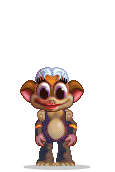
- Norn breed E (male)
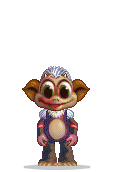
- Norn breed F (female)
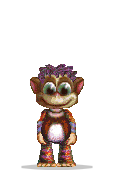
- Norn breed F (male)
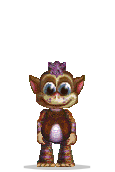
- Norn breed G (female)
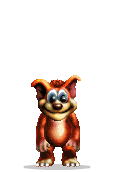
- Norn breed G (male)
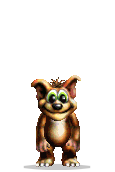
From Creatures 2 (8)
- Norn breed H (female)
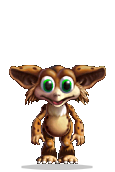
- Norn breed H (male)
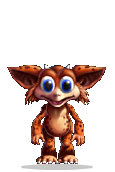
- Norn breed I (female)
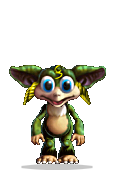
- Norn breed I (male)
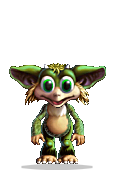
- Norn breed J (female)
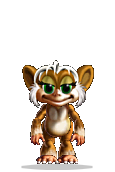
- Norn breed J (male)
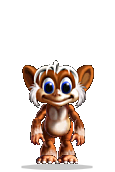
- Norn breed K (female)
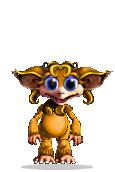
- Norn breed K (male)
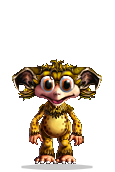
Fan-made breeds (10)
- Dog Norn (female) Made by Studz
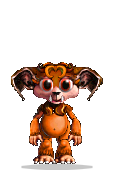
- Dog Norn (male) Made by Studz
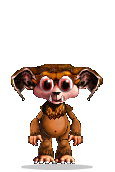
- Frog Norn (female) Made by Alex (V3), after CyberLife's Frog Norns
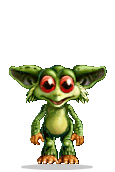
- Frog Norn (male) Made by Alex (V3), after CyberLife's Frog Norns
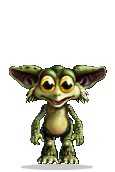
- Kai Norn (female) Made by Wafuru & Lis Morris
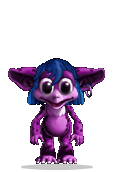
- Kai Norn (male) Made by Wafuru & Lis Morris
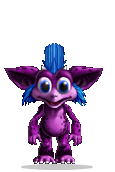
- Kanga Norn (female) Made by Alien & Studz
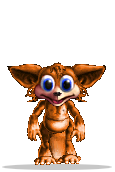
- Kanga Norn (male) Made by Alien & Studz
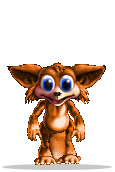
- Mer Norn (female) Made by Wafuru & Lis Morris
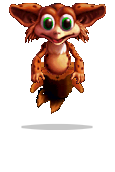
- Mer Norn (male) Made by Wafuru & Lis Morris
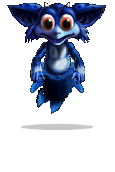
A few of these go back a long way: the Dog Norns, and the Kanga Norns with Alien, were made by James himself in the late '90s and early 2000s, under his Creatures community name, Studz.
What Norn connects to
Nothing. Ever.
Norns never connect to the internet. They have no feeds to read and nothing to fetch – they work exactly the same with your Wi-Fi off. They don't open web pages either; the only link anywhere is the WhiteFish Creative website in the About box, and only if you click it.
Download Norns
Pick the file for your computer. No account, no email address, nothing to sign up for.
Pal pack for PalPlayer
One small file that works on Mac, Windows and Linux. Install PalPlayer once, then double-click the pack to add Norns – every pal you add after that is a quick download too.
Or the standalone app
Norns on its own – no PalPlayer needed. A bigger download, because each standalone pal brings its own copy of everything it needs to run.
macOS
Signed & notarised by WhiteFish Creative LimitedOpen the .dmg and drag Norns into Applications. It opens with no warnings. Not sure which Mac you have? Apple menu → About This Mac: “Chip: Apple M…” means Apple silicon.
Windows
Not code-signed on Windows (yet)Windows 10 or 11 (64-bit). Nothing to install – just run the .exe. SmartScreen may say it “protected your PC”, because the file isn't signed – click More info → Run anyway. Why?
Version 1.0.0 · Free · No account needed · How to uninstall
Creatures, Norns, Grendels and Ettins are from Creatures 1 & 2 by CyberLife Technology / Creature Labs. Fan-made breeds by their creators, credited on each pal's page.