PalStudio
PalStudio is where pals are made – every official pal came out of it. PalStudio Community is the free edition: draw or import your pal, rig it, animate it, give it things to say, then share it as a pal pack anyone can add to PalPlayer.
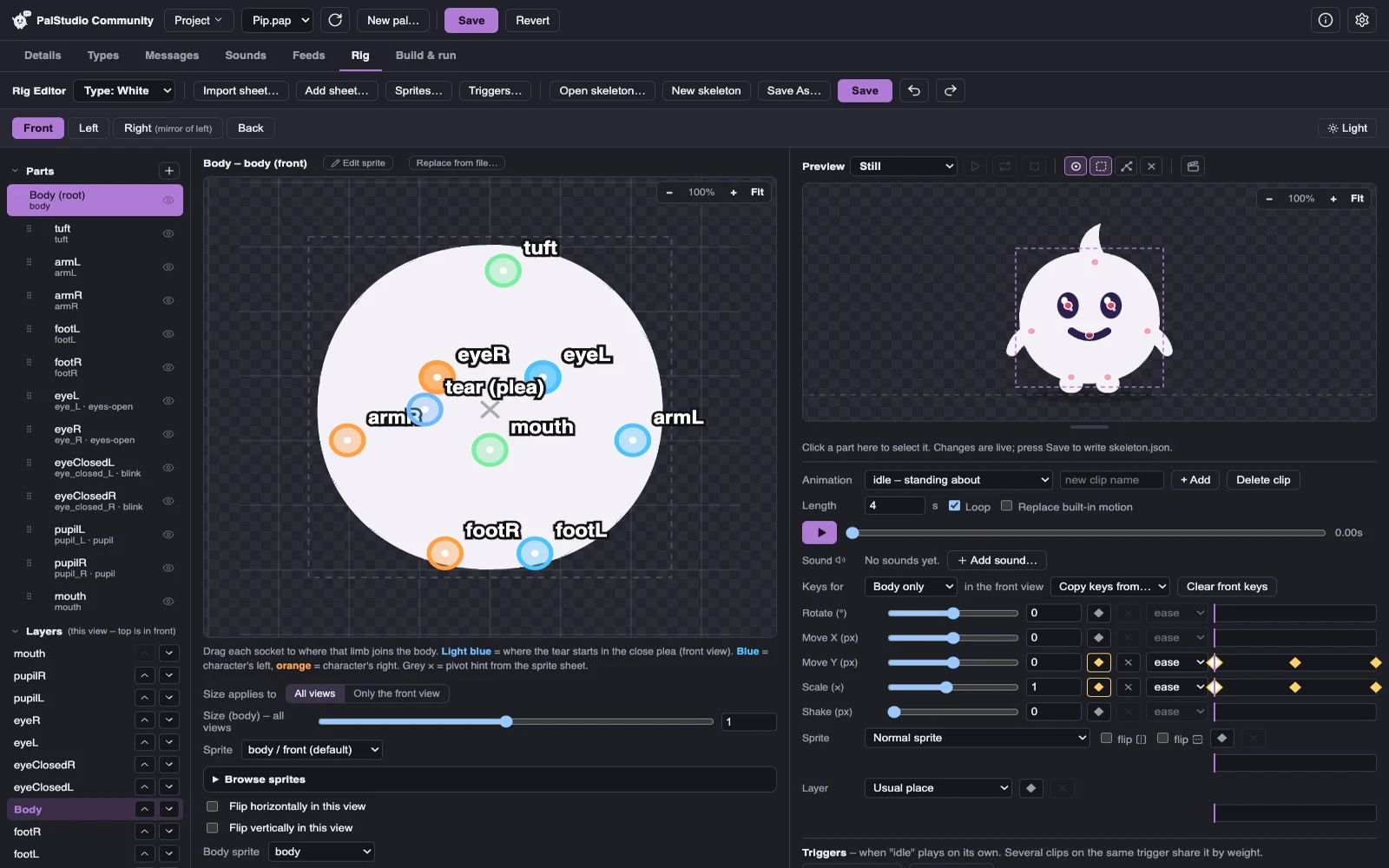
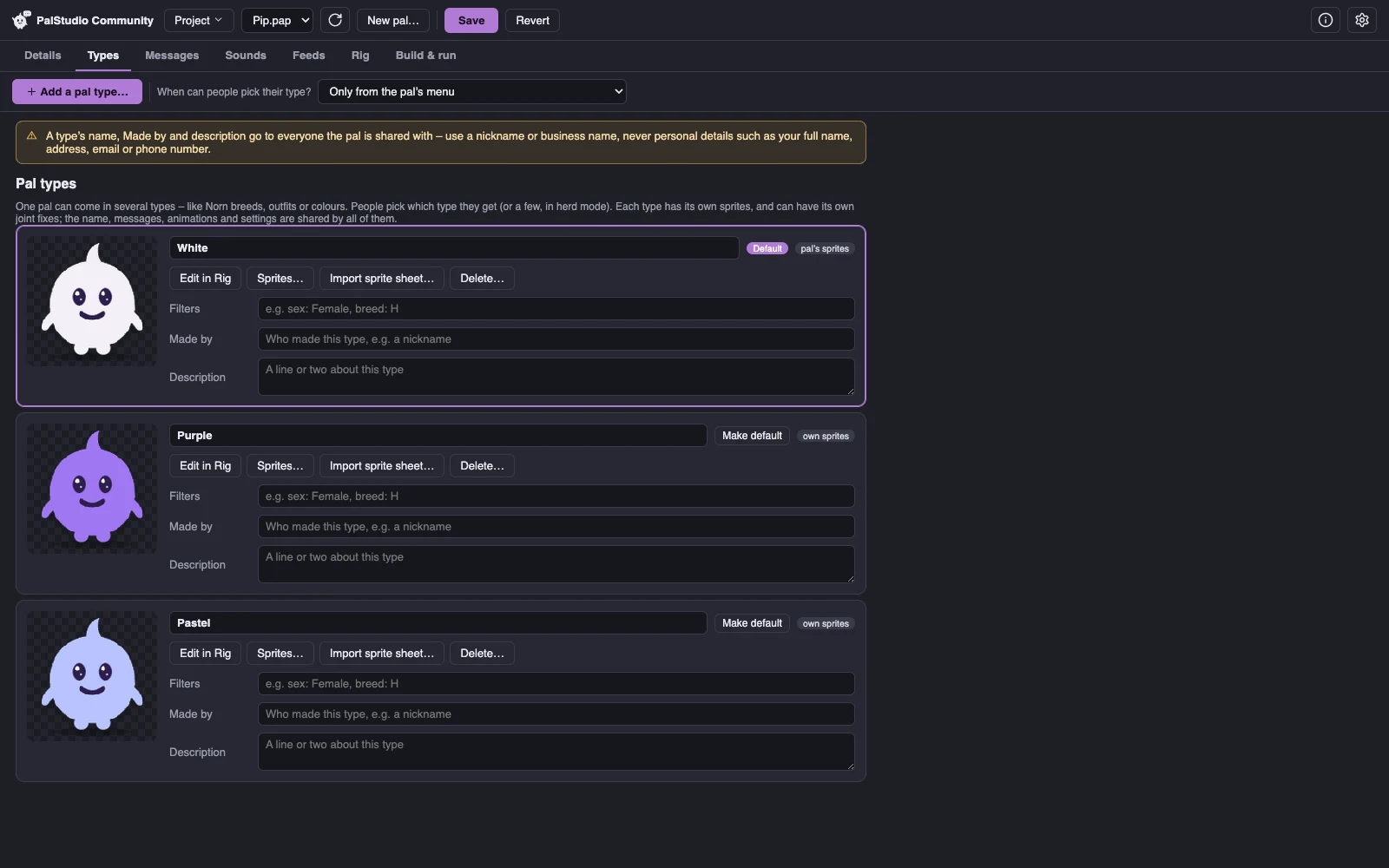
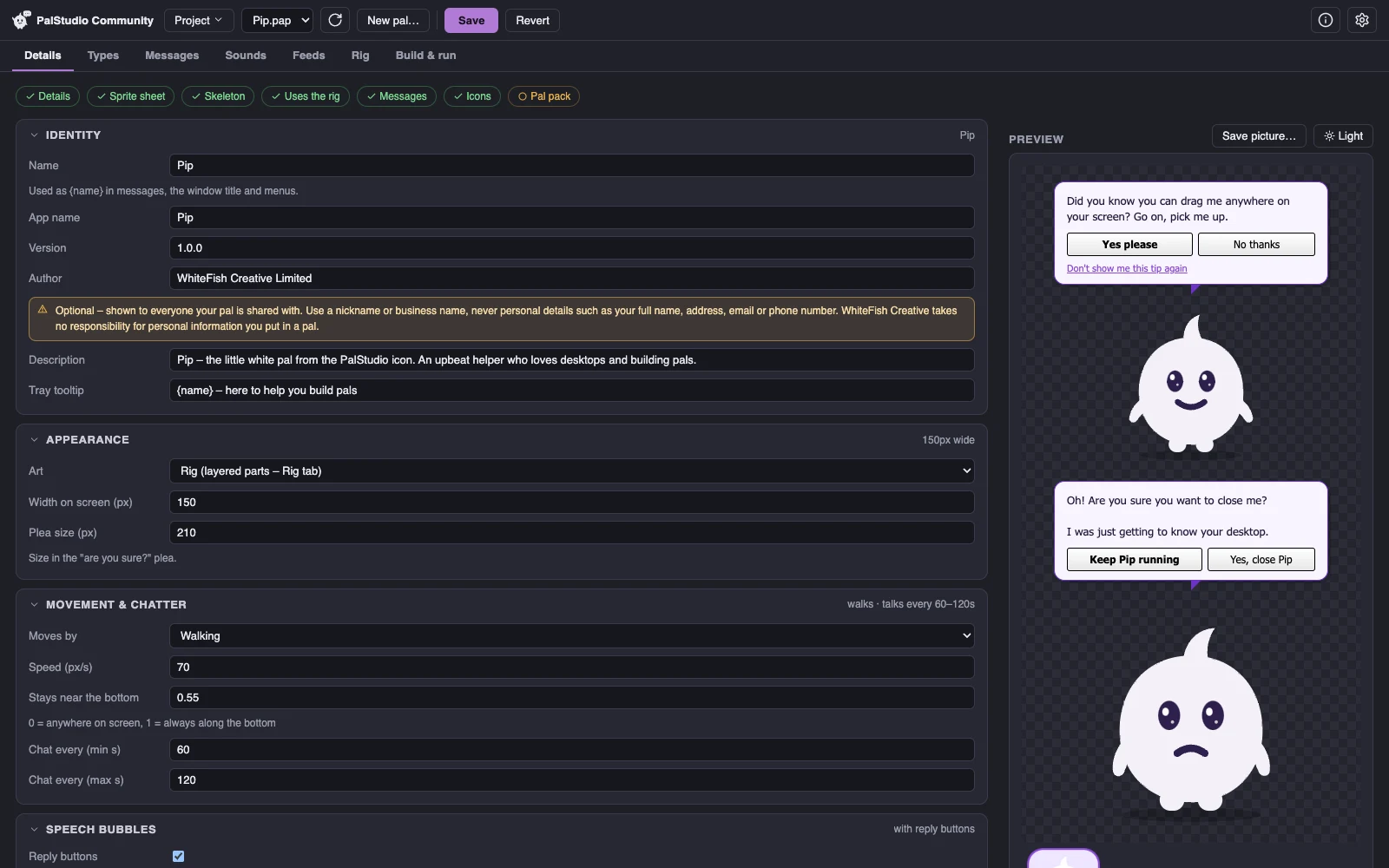
What you can do
- Start from art you already have – import a sprite sheet, or edit each part in your own image editor. Every save shows up in your pal straight away.
- Rig and animate it – joints, views (front, side, back), keyframed animations, sounds, and triggers for when it plays what.
- Give it a voice – intros, tips, replies and the famous “are you sure?” plea.
- Herds – let several of your pal wander the desktop together and meet each other.
- Share it – make a pal pack (a single
.palfile) that anyone can double-click to add to PalPlayer.
Your pal is kept as one project file (.pap) – saved automatically, with versions you can go back to.
Start with Pip
Not sure where to begin? PalStudio Community comes with Pip, the little mascot from the PalStudio icon, as a finished example project made by WhiteFish Creative: open it to see how its parts, joints, animations and lines fit together, then change anything you like.
Pip's project
Pip's project (Pip-example.pap, 112 KB) will be here to download as soon as PalStudio Community is – it opens in PalStudio Community.
Your pals are yours
PalStudio Community is free. The pals you make with it belong to you – share them wherever you like. A few ground rules keep it fair for everyone:
- Share freely, but no selling. Pals made with PalStudio Community may be shared freely but may not be sold.
- Only use what you have the right to use – your own art, sounds and words, or ones you have permission for.
- Don’t pretend to be us – community pals are always shown as community pals in PalPlayer.
- We may block a community pal from PalPlayer if it’s illegal, infringing or harmful – only ever for those reasons.
Showing your pal off? Made with PalStudio badges are ready for its page, with how to link to us. Share your pal packs as you like, but please link to this website for PalStudio Community and PalPlayer rather than sharing copies of the apps.
Updates
PalStudio Community keeps itself up to date, the same way PalPlayer does: it fetches one public file from this website now and then – no ID, no account, nothing about you or your pals – and every update is checked before it’s installed. You can switch automatic updates off in its settings.
Download PalStudio Community
PalStudio Community is coming soon. It'll be here for Mac, Windows and Linux.
macOS
Signed & notarised- Mac with Apple siliconComing soon
- Mac with IntelComing soon
Windows
Not code-signed (yet)- Windows installerComing soon
Linux
AppImage – no install- Linux (AppImage)Coming soon